


One of the biggest problems I have faced when learning to code with new languages is retention. Given the amount of information that one is capable of learning in even a very short span of time, it is incredibly helpful to frequently review what one learns using notes. I have tried taking notes various ways, ranging from typing details in Google Docs to hand-writing notes in a hardcopy book. Once all is said and done though, I’ll have to say that the best way to take notes when referencing actual code is to use comments within your documents. Using comments within your code allows you to embed your thoughts directly within or near relevant code so that it is literally in context. Being able to see the actual code that the notes are referencing without actually having to re-write the notes and code elsewhere is a huge-time saver. It also consolidates and eliminates the need to go back and forth between separate notes and your source code.
Below are the tags you can use to create comments in your HTML, CSS, and JavaScript documents. Anything marked out by comment tags will not be run or displayed by the browser.
HTML Comments
For HTML comments, open your comments with <!– and close them with –>.
<!-- Your fancy comments -->
CSS Comments
For CSS comments, open your comments with /* and close them with */.
/* Your even fancier comments */
JavaScript Comments
For JavaScript, there are two ways you can insert comments. One allows you to denote single-line comments, while the other allows you to denote multi-line comments.
Single-line JS Comments
// Your jazzy one-line comment
Multi-line JS Comments
/* Your multi-line comment... Look familiar? */I know you’re thinking, “Hey Vivian, that multi-line JavaScript comment sure looks mighty familiar. Well, that’s because it is. It’s twins with CSS comments. How convenient! Happy coding (and commenting)!
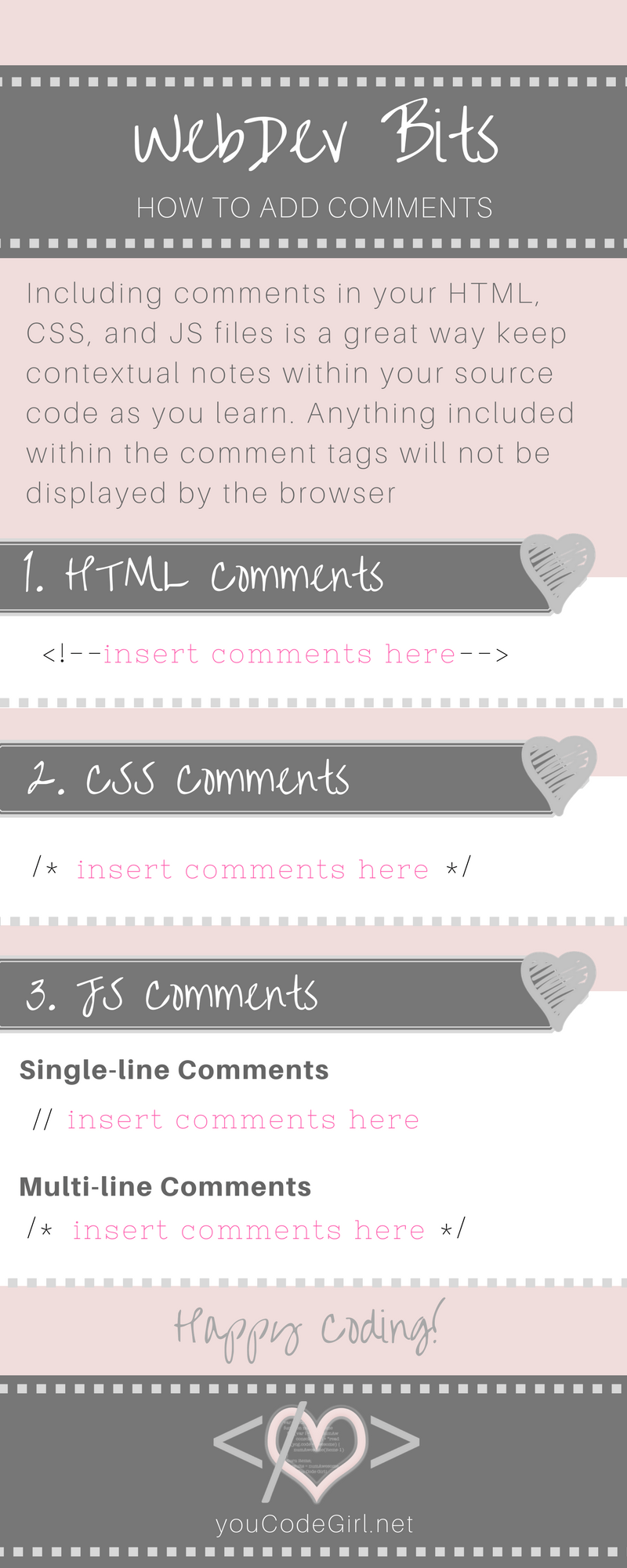
Your WebDev Bits Infographic
Here’s a quick way to remind yourself of how to add comments if you forget!



0 Comments