


Imagine you bought a delicious loaf of fresh bread. Once you got back home from the store, you were pulling it out along with the rest of the groceries… when suddenly, your cat skidded across the counter, and the bread ended up on the floor! That darn cat! Well, luckily, most of the loaf is covered in a bag from the bakery. All you’d need to do is extract the part you still want (the part in the bag) and discard the uncovered part. Then you’d have a loaf that is good as new. It’d seriously kind of be like having a brand new loaf then! That’s pretty much what the slice() method does. The slice() method can be used in JavaScript to extract a section of an existing string in order to create a new string. The original string can either be a direct string or a variable that houses a string. The basic syntax for setting up a slice extraction is as follows.:
string.slice(Num1, Num2);
As mentioned above, the string can either be a direct string such as “How are you?” or a variable that houses a string.
Num1 and Num2 are numbers that designate positions in the string. The positions are designated using zero-based indexing, meaning that they start at 0. For example, if you have the string “Bye”, 0 would represent the location of the first letter of the word, “B”. The number 1 would represent the letter “y” and the number 2 would represent the letter “e”.
Specifically, Num1 represents where you would like to begin the extraction. If you have the number 1 selected for Num1, you would begin with the second letter according to zero-based indexing.
The number designated by Num2 represents the letter position right after the termination of extraction. That means that this position is not actually included in the extraction. For example, if you wanted to extract “Morn” from the original string “GoodMorning”, you’d want to to designate the 4th position as your starting point. But to terminate it so that it includes the “n” (which is in the 7th position), you’d actually need to reference the 8th position, which is immediately following the letter n. So you would get this for your input and output:
> "GoodMorning".slice(4,8);
< Morn
Another thing to keep in mind is that Num2 is actually optional. If you don’t designate a Num2, your extraction will finish until the end of the string. Here is an example using the same string:
> "GoodMorning".slice(4);
< Morning
As you can see, no terminating position was designated for Num2. As a result, the rest of the word was simply completed, giving us the word “Morning” as our official extraction.
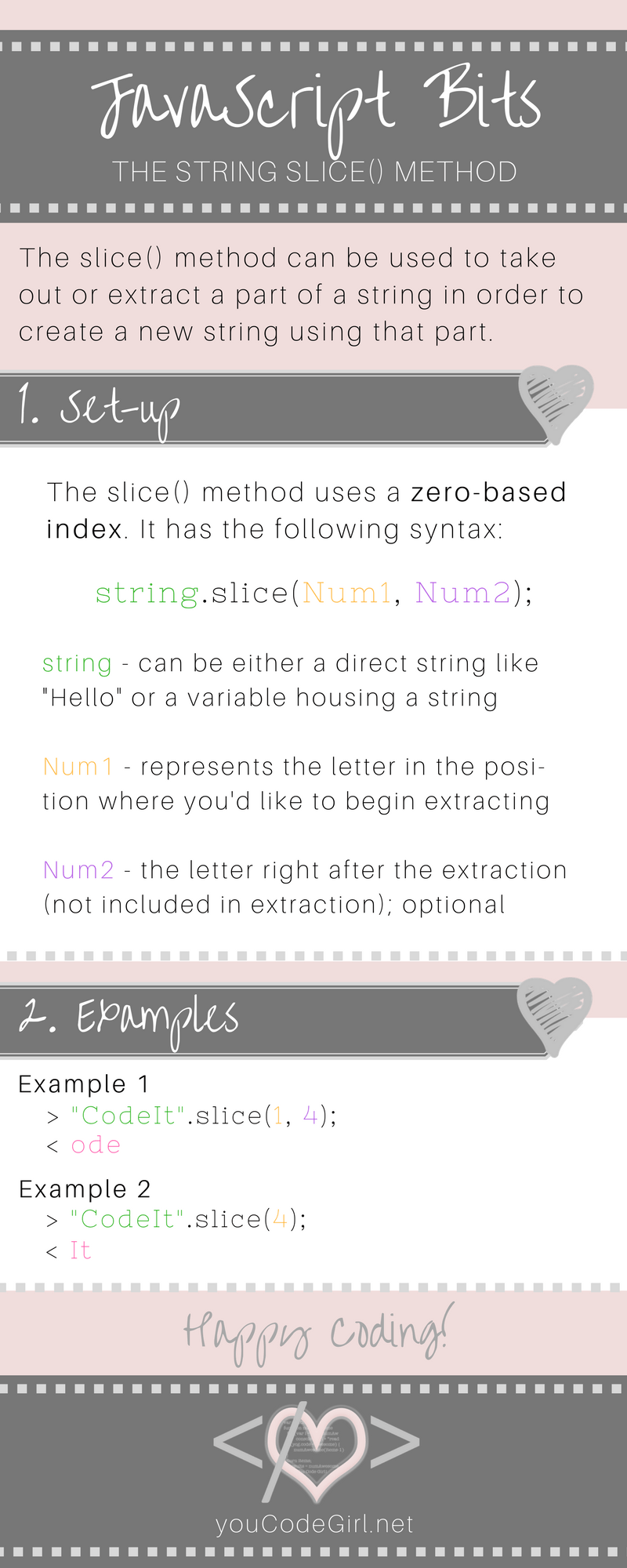
Here is a JavaScript Bits infographic to help you remember the slice method easily. Happy slicing!



0 Comments